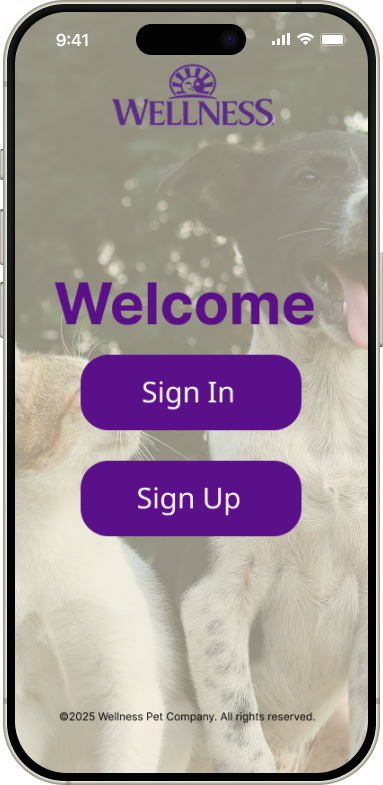
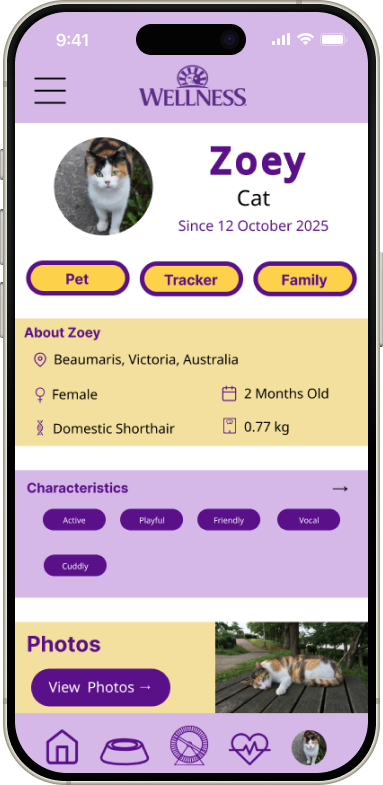
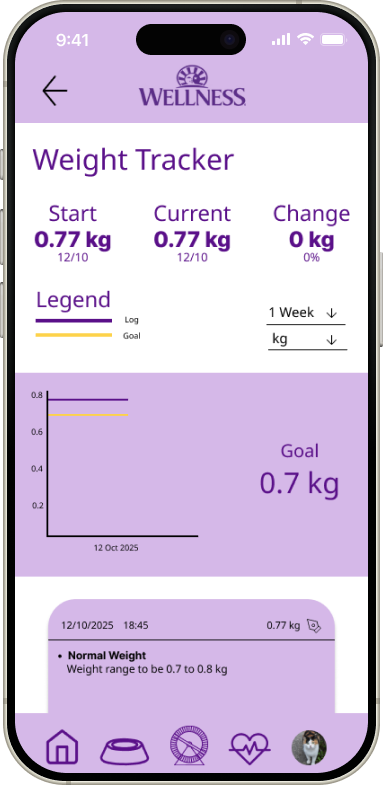
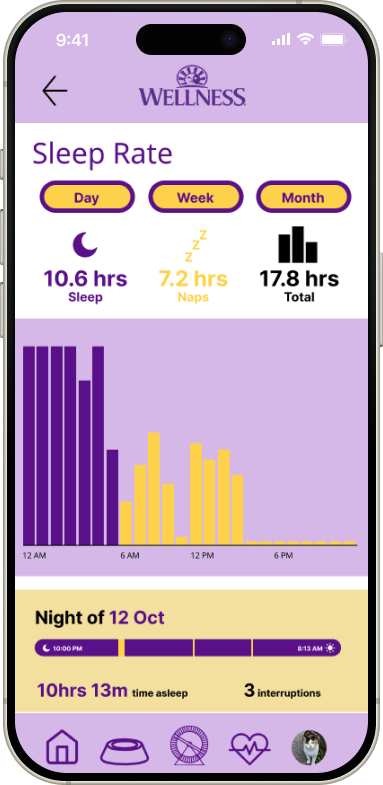
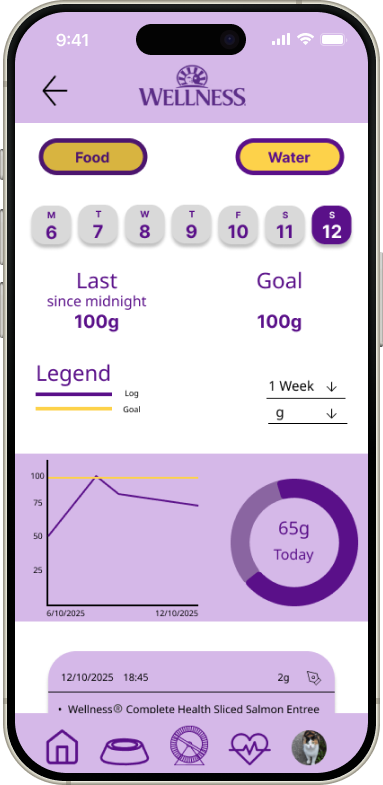
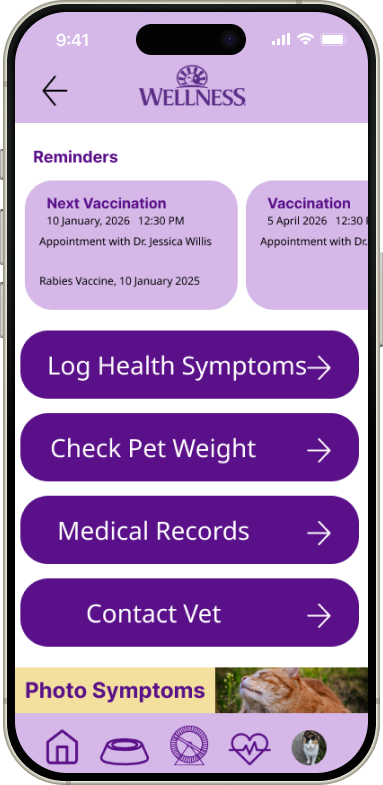
Check it out.Before we dive deep right in, I want you to know that this is a student project. As such, it is not intended to be an actual app.
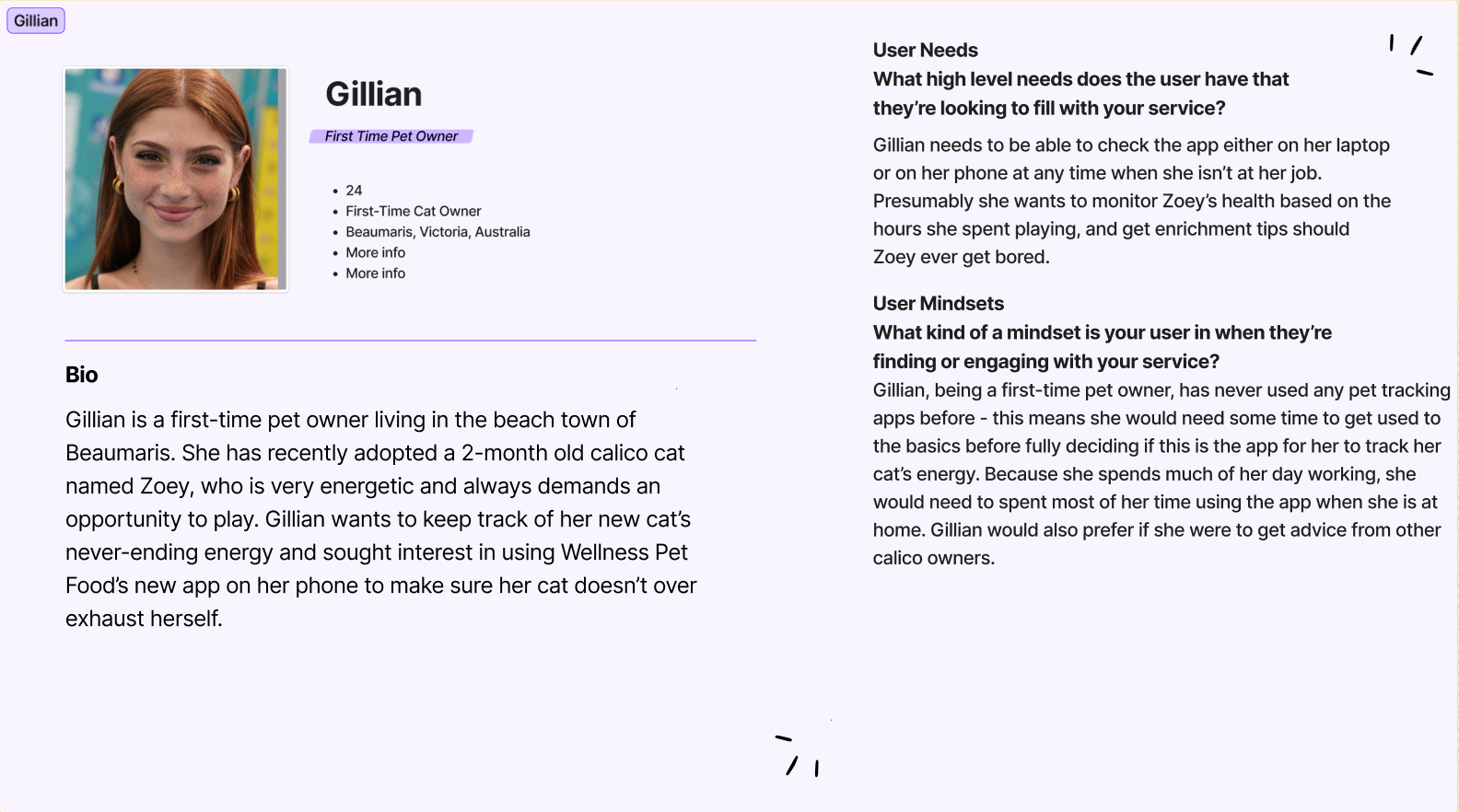
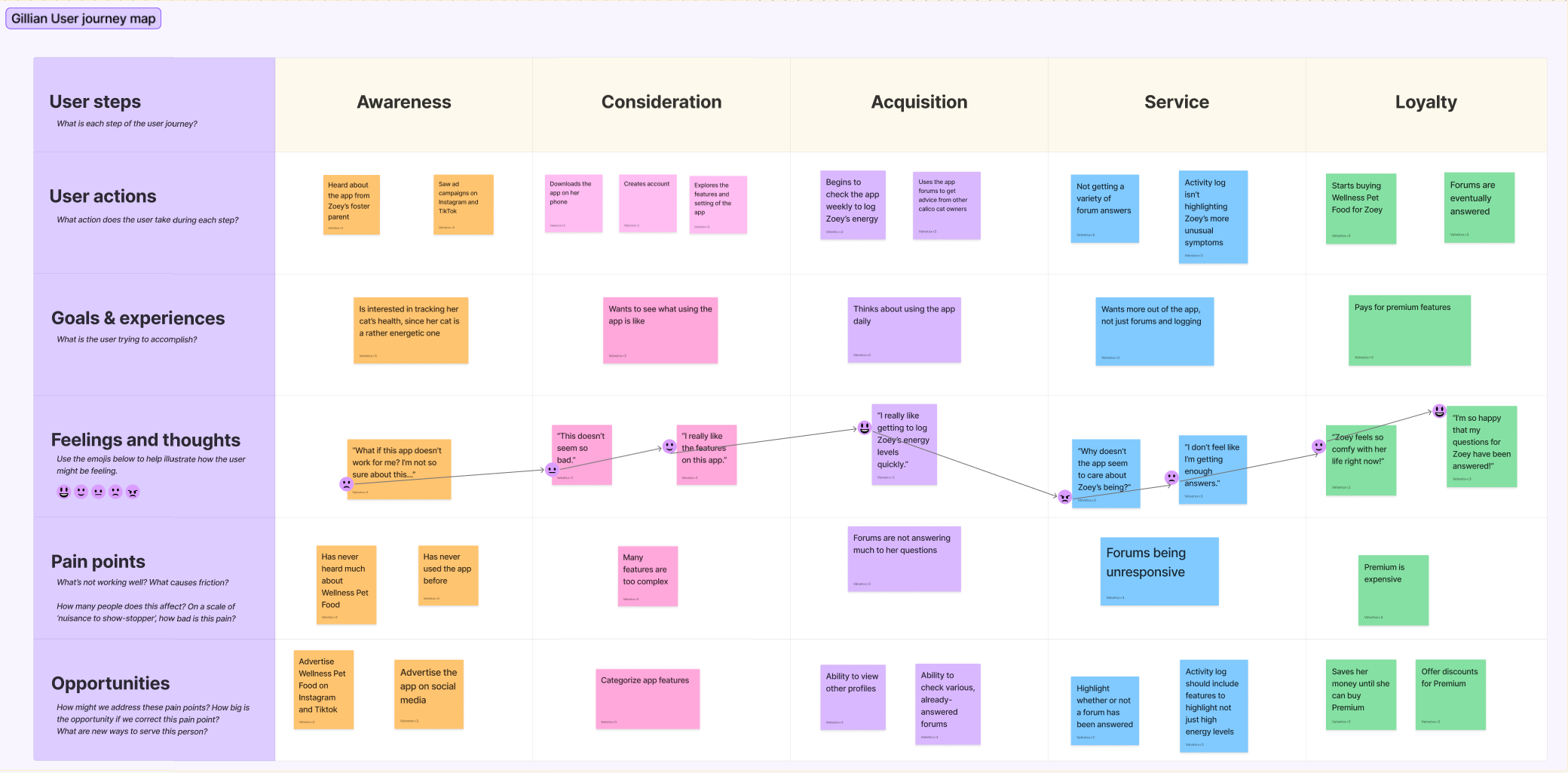
Project ResearchBefore creating the wireframes, I did research by creating three personas in FigJam, along with three user journey maps for each persona, based on what the user might want or need for this new app. Some of the users may want to use the app for checking in on their pets, others may simply be a loyal customer of Wellness® Pet Food.
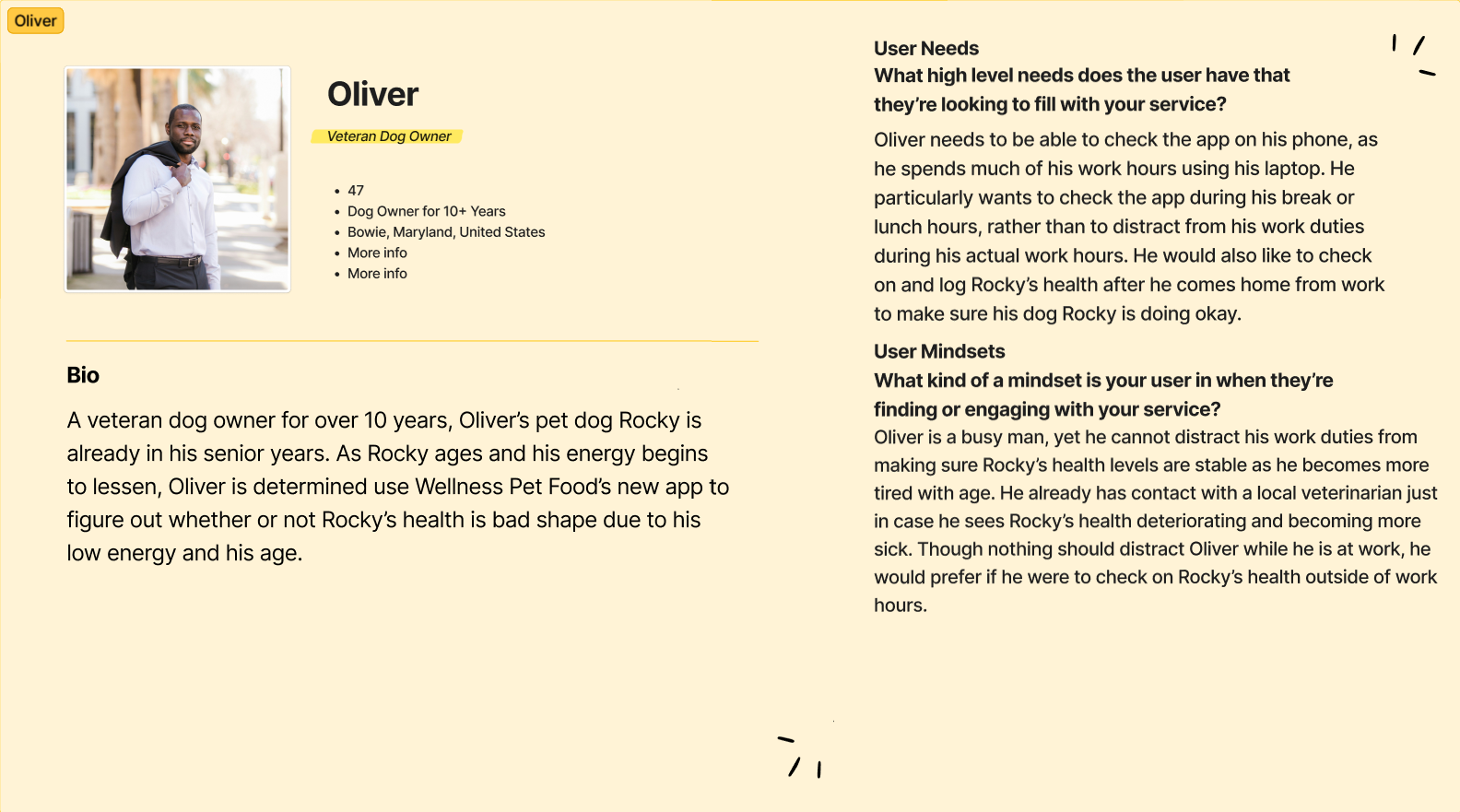
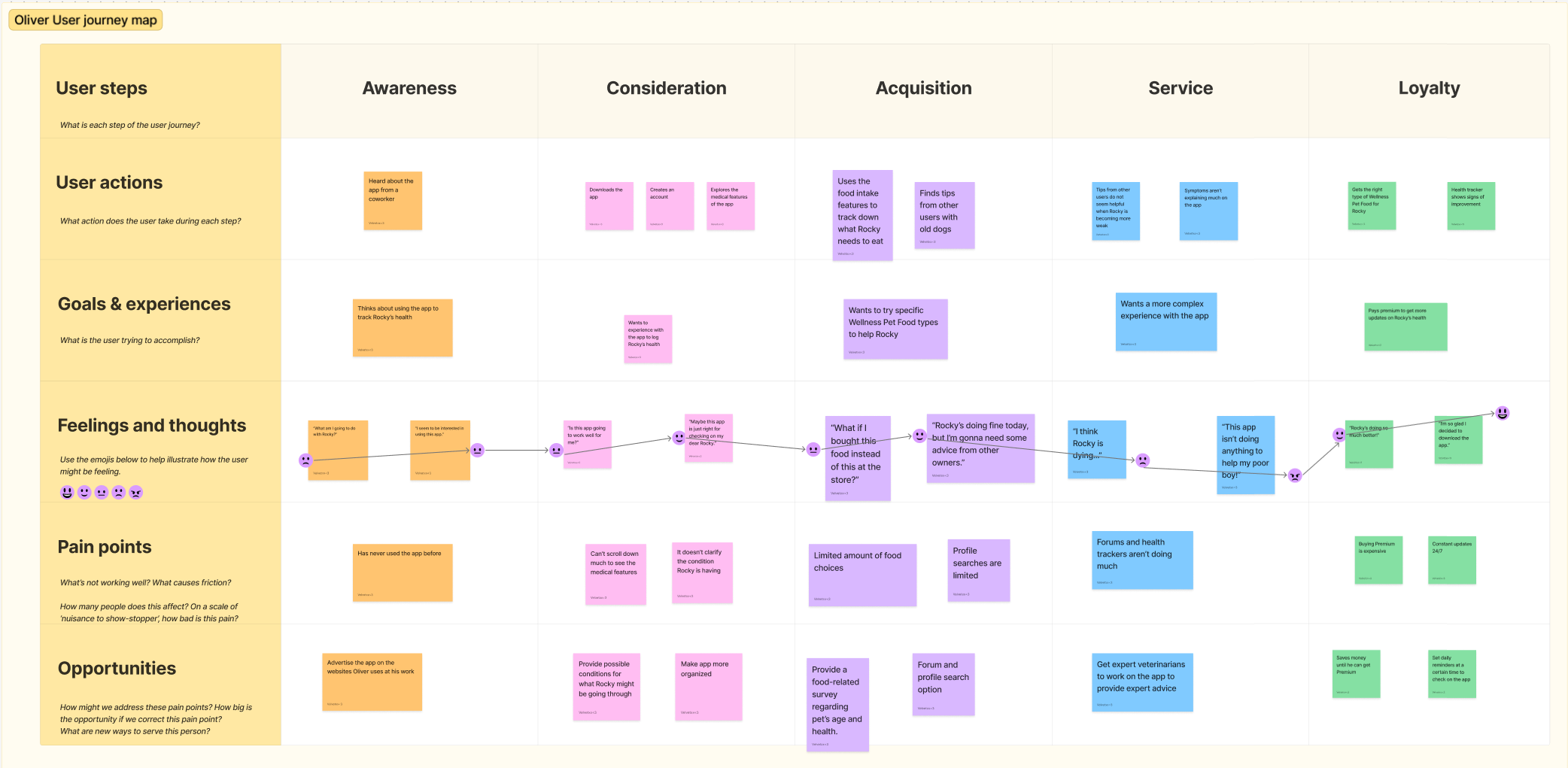
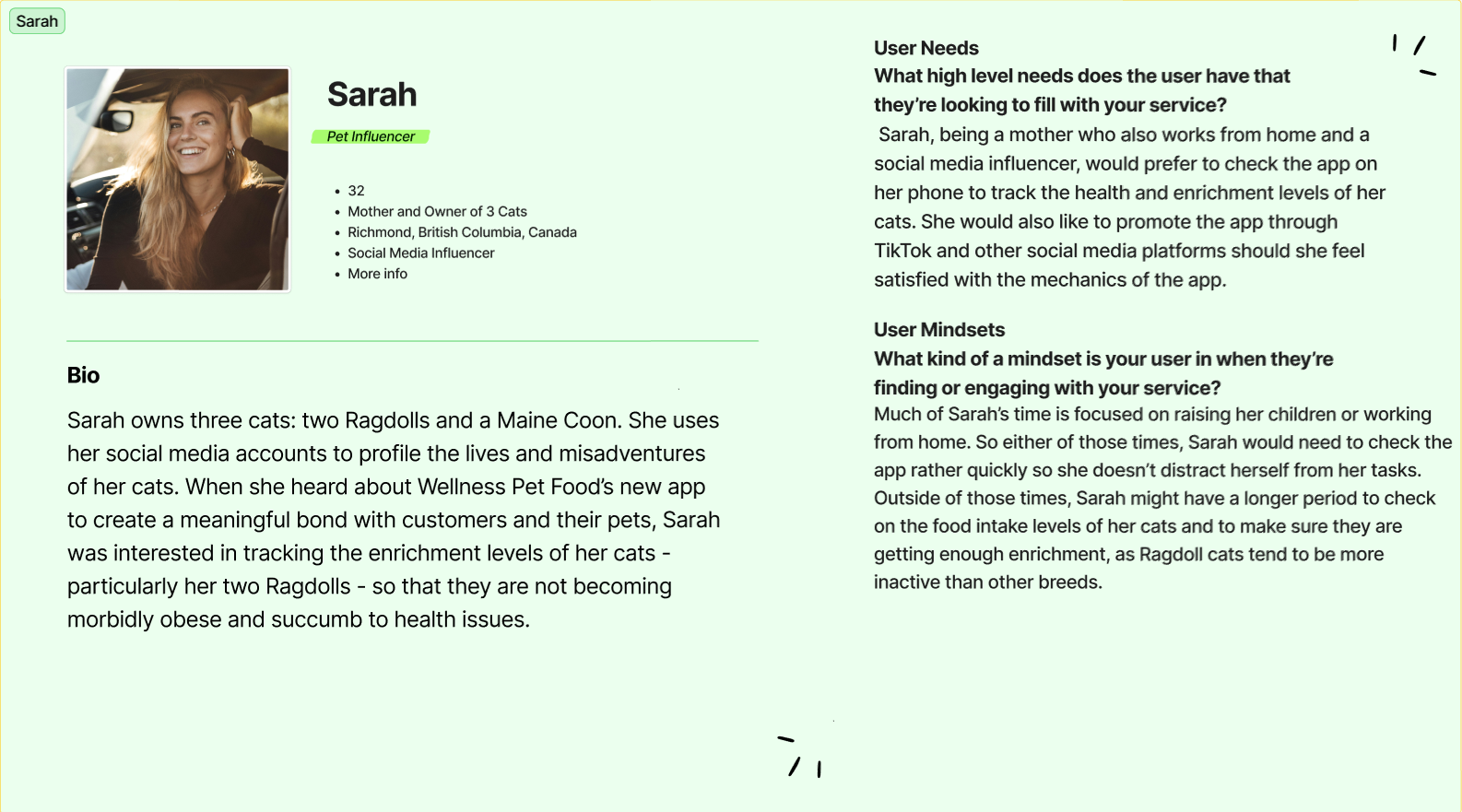
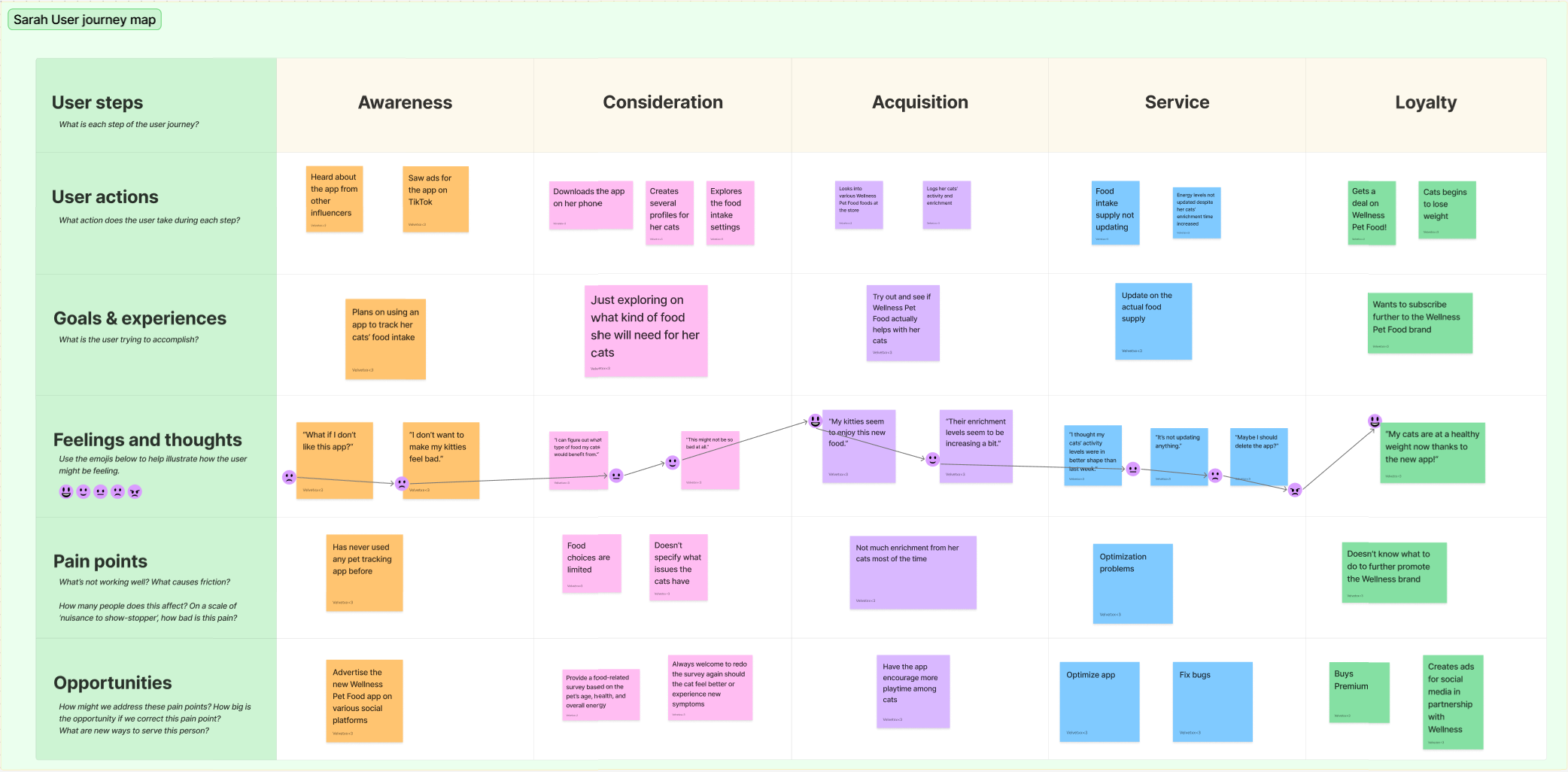
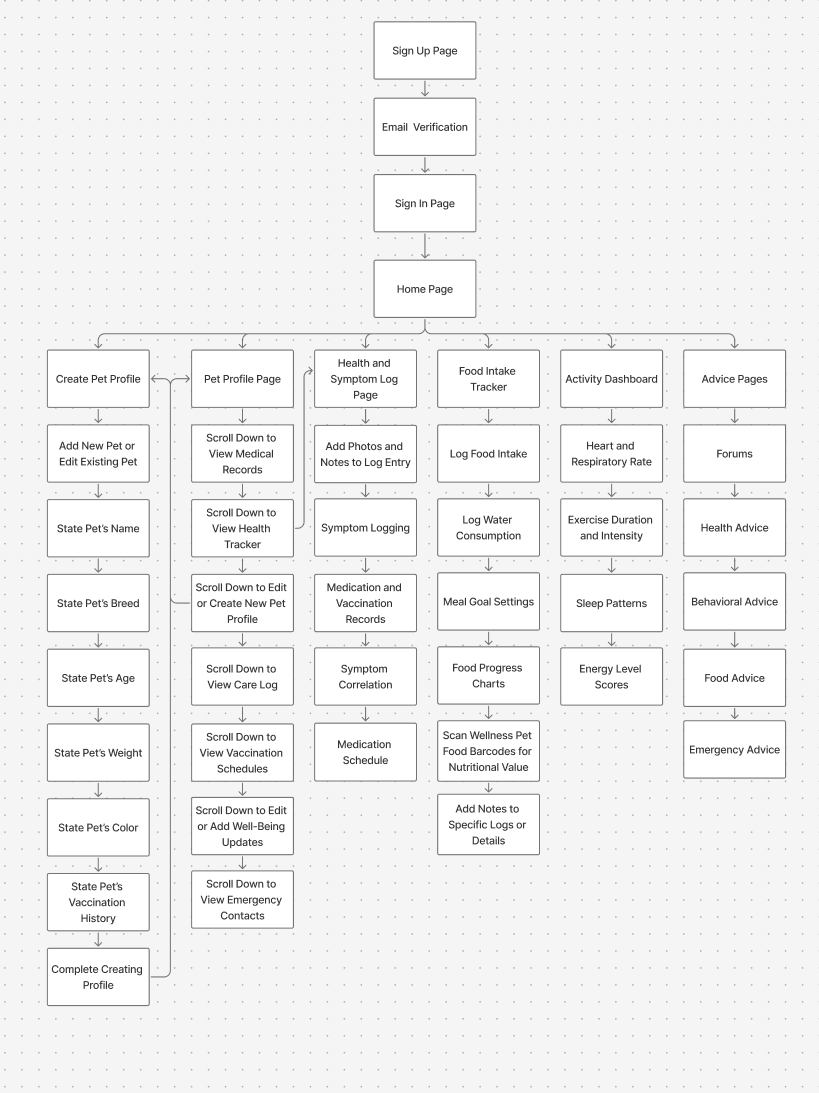
The next part of my research was creating a sitemap for the Wellness® Pet Food app, which I also created on FigJam, to figure out what pages needed to be worked on and what the average user might encounter with this app.
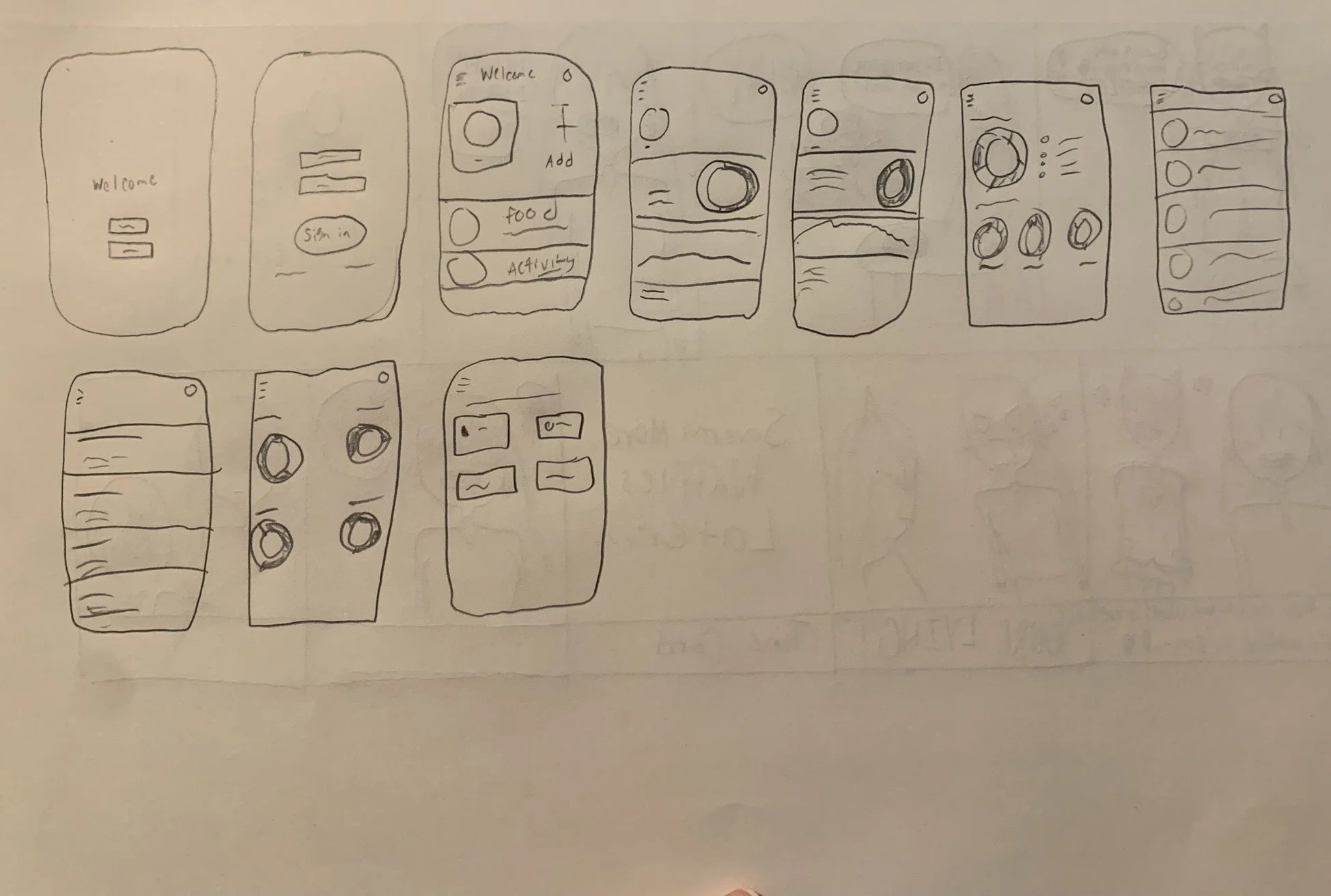
Once I completed the personas, the user journey maps, and the sitemap on FigJam, I proceeded with drawing a low-fidelity rough draft on what my wireframe screens might look like. As this is simply a rough draft, the drawings were quick and simple to sketch out.
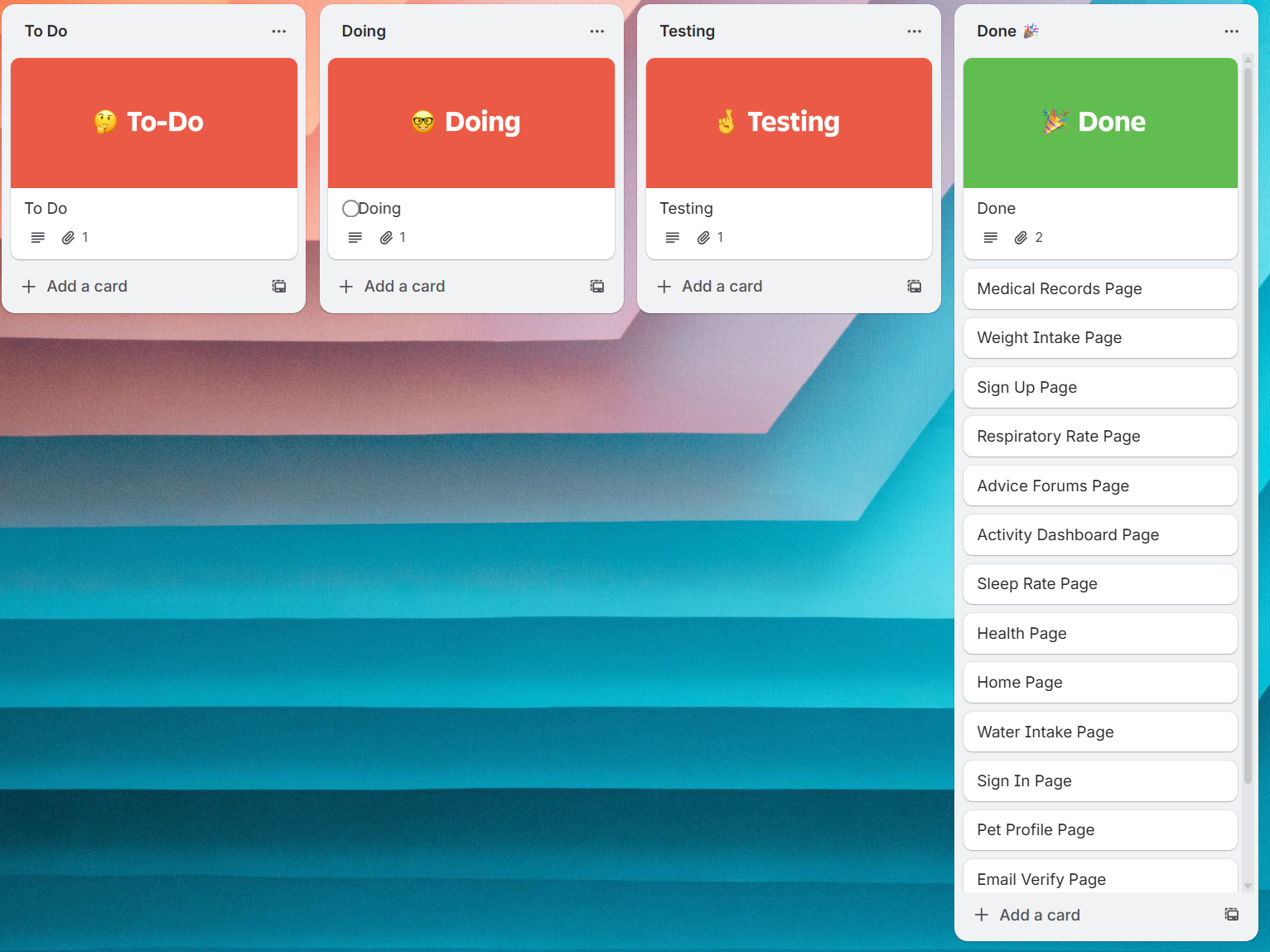
After getting an idea of what my wireframes might look like through the rough draft sketch, I created a Kanban board on Trello to set out my tasks.
Mid and High Fidelity WireframesWith the Kanban board set up, I proceeded with making the important pages on Figma, taking inspiration from various other pet tracking apps.